
BrainDump for web

Your notes, in any browser.

Sign in with your BrainDump account and the notes from your iPhone, iPad and Mac are right there. Open a tab, write first, sort later.

Sign in with your BrainDump account, or create one on the web.

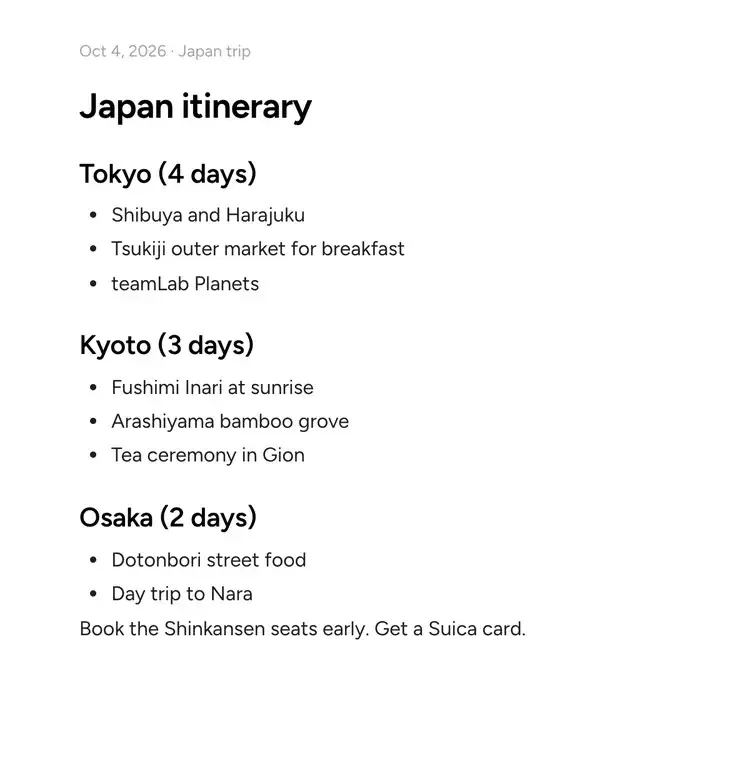
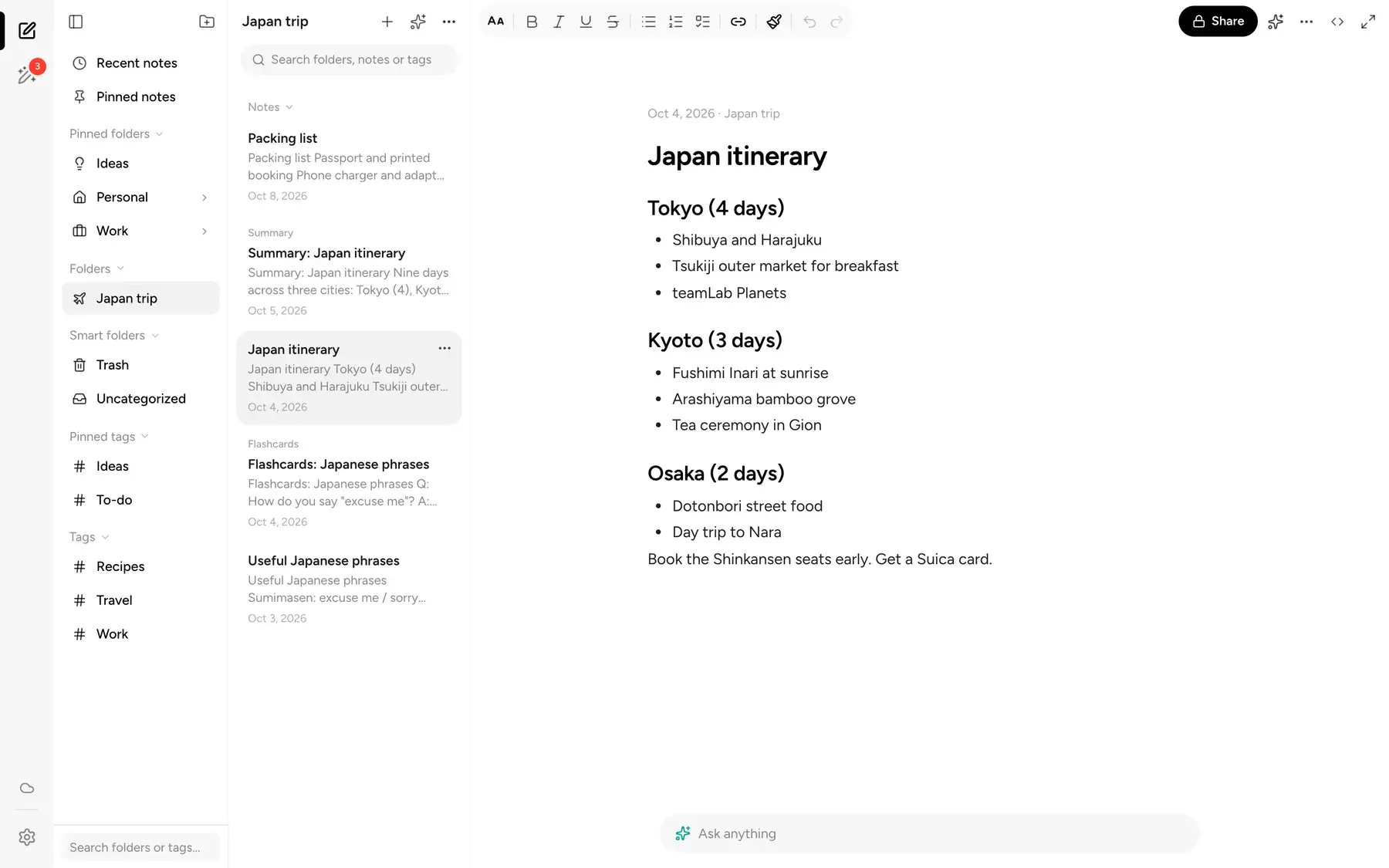
The BrainDump editor with a Japan itinerary note and nothing else on screen
Claude MonetWoman with a Parasol, 1875
  • Nothing to install

    Works in any modern browser, on a laptop that isn't yours or a desk that is.

  • Synced with your devices

    Sign in to the same account in the app's Settings, and edits on the web show up on your iPhone, iPad and Mac, and the other way around.

  • Everything that matters

    Folders, tags, checklists, AI, sharing and export, all in the same calm layout.

Freewriting

Write first. File it later.

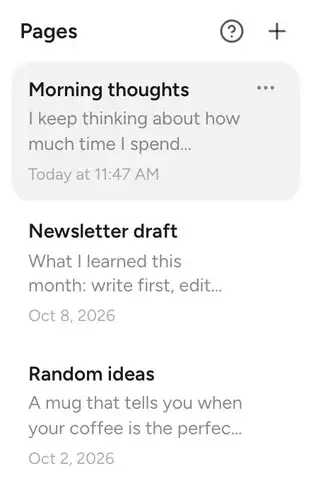
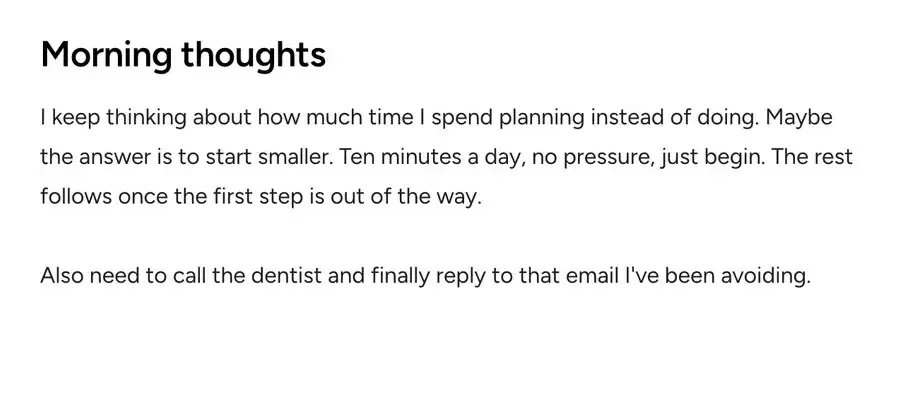
Open Freewriting and just start. No title, no folder, no decisions. When you're ready, let AI clean up a page, then file your pages into a folder in one step.
  • Pages stay in one place until you sort them
  • AI can rewrite a page or suggest a title, and you can compare the result with your original
A Freewriting page called Morning thoughts, written without a title, folder or tags
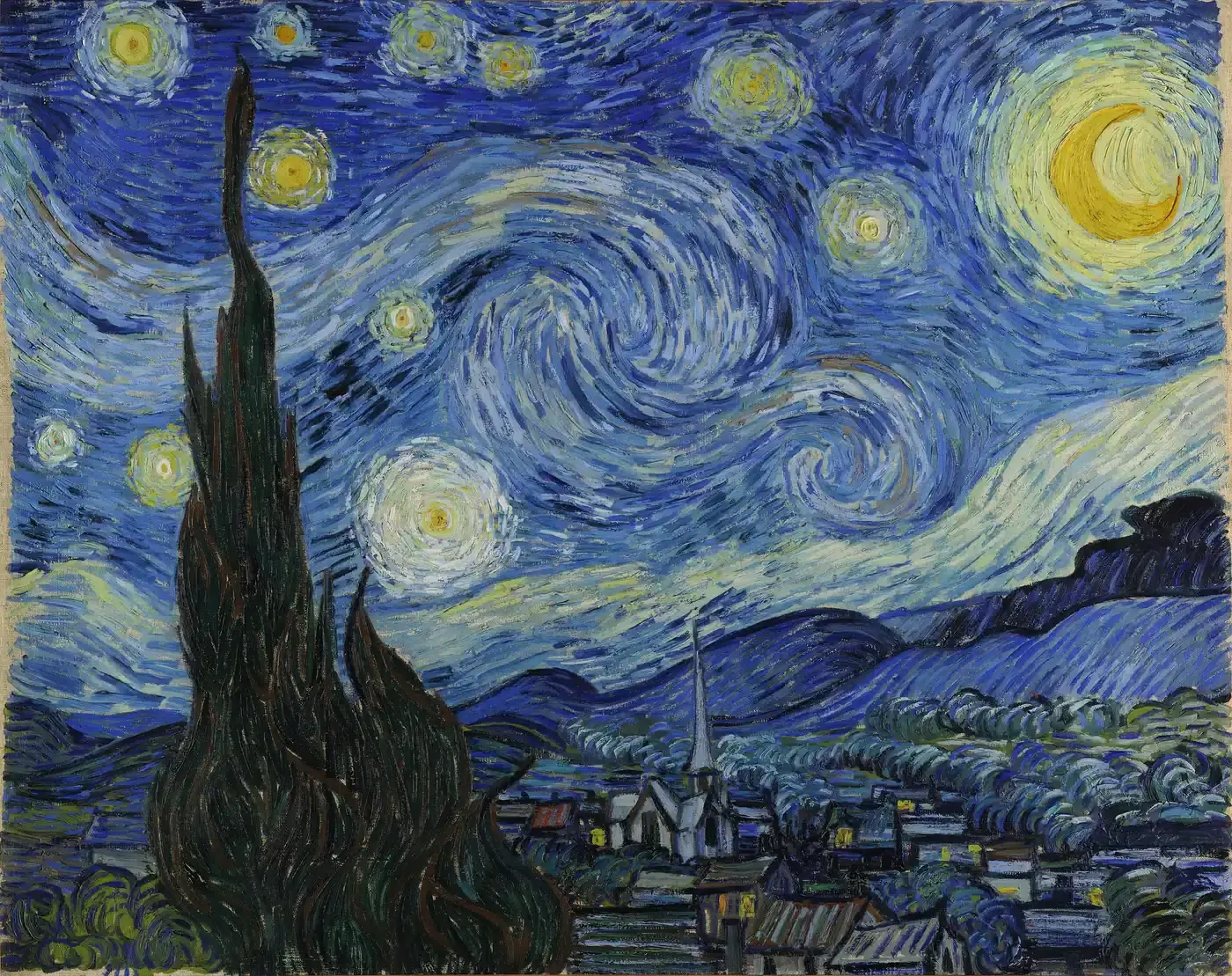
Vincent van GoghThe Starry Night, 1889

Ask your notes

Ask a question. Get an answer from your own notes.

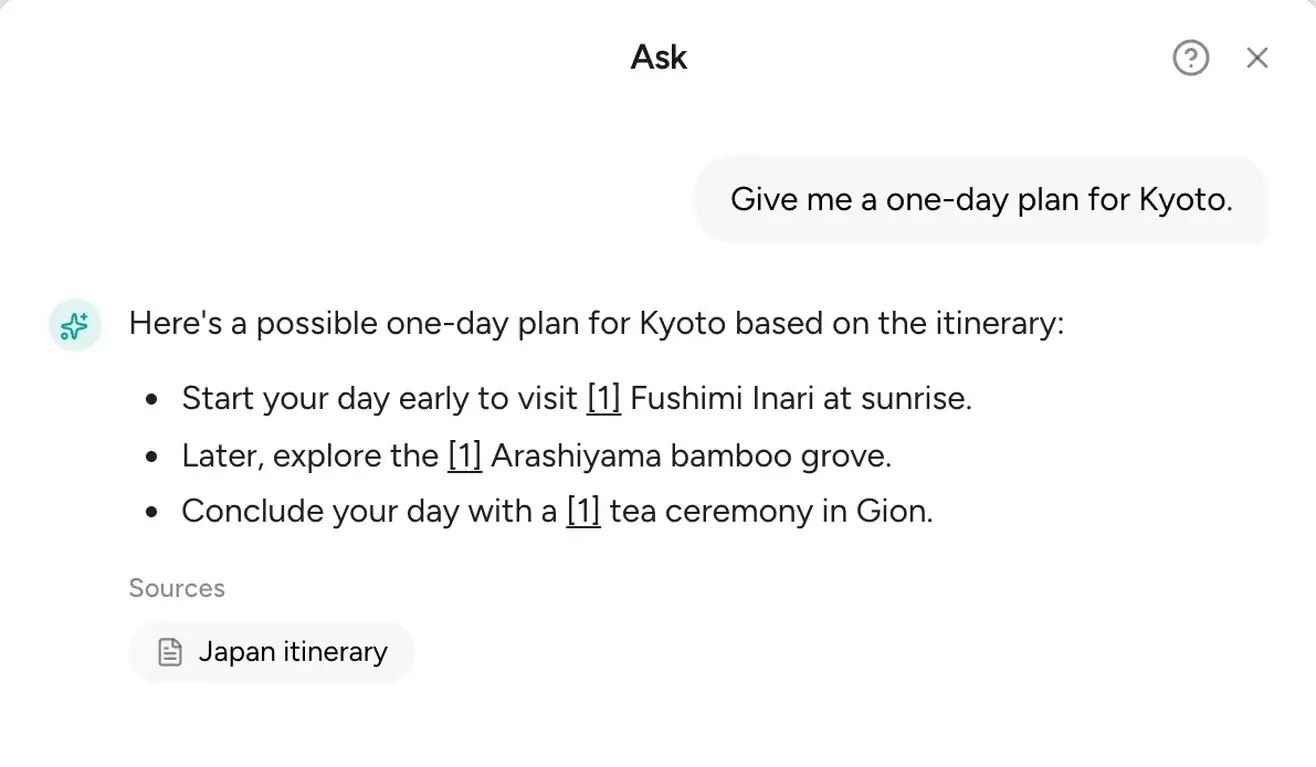
Type a question and BrainDump answers from what you've written, with the source notes listed under the answer so you can check it.

  • Ask about one note, a folder or everything
  • Sources are shown, so nothing is a black box
  • AI features need a Focus plan, which you can get in the app
The BrainDump editor with a Japan itinerary note and nothing else on screen
The Ask dialog answering a question about a Kyoto day with the Japan itinerary note listed as the source
RembrandtPhilosopher in Meditation, 1632

Your notes are already waiting.

Folders, tags and checklists

As organized as you want to be.

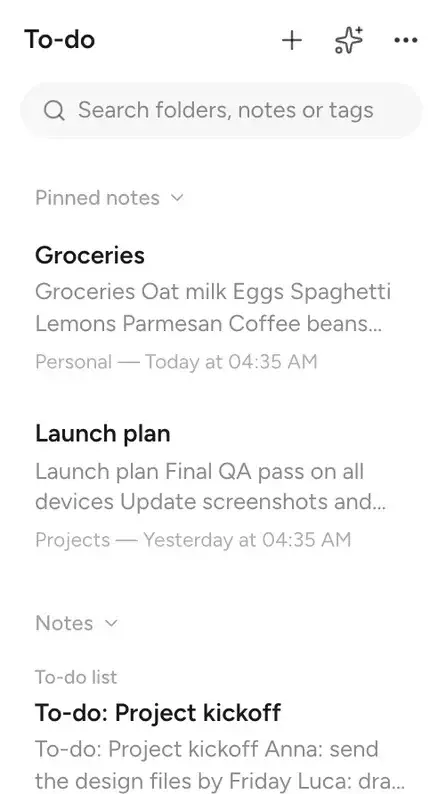
Nest folders, pin the ones you use most, add tags across folders, and turn any list into checkboxes. Skip all of it and nothing breaks.

  • Nested folders, pinned folders and tags
  • Checklists, headings, links and code in the editor
  • Merge notes into one when ideas belong together
The To-do tag showing pinned notes Groceries and Launch plan, and a To-do list note
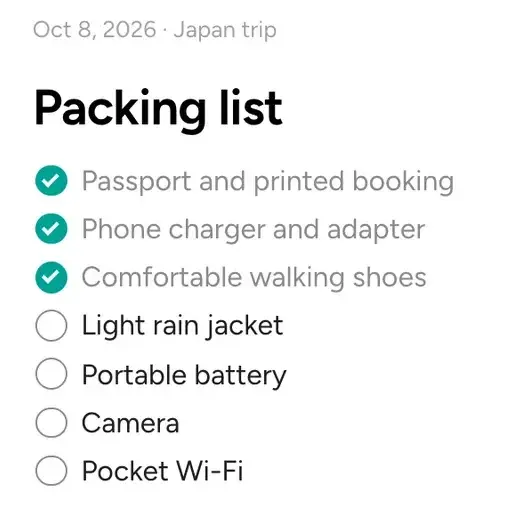
A Packing list note with three items checked off and four still to do
Georges SeuratA Sunday on La Grande Jatte, 1884

Sharing

Share a note with a link.

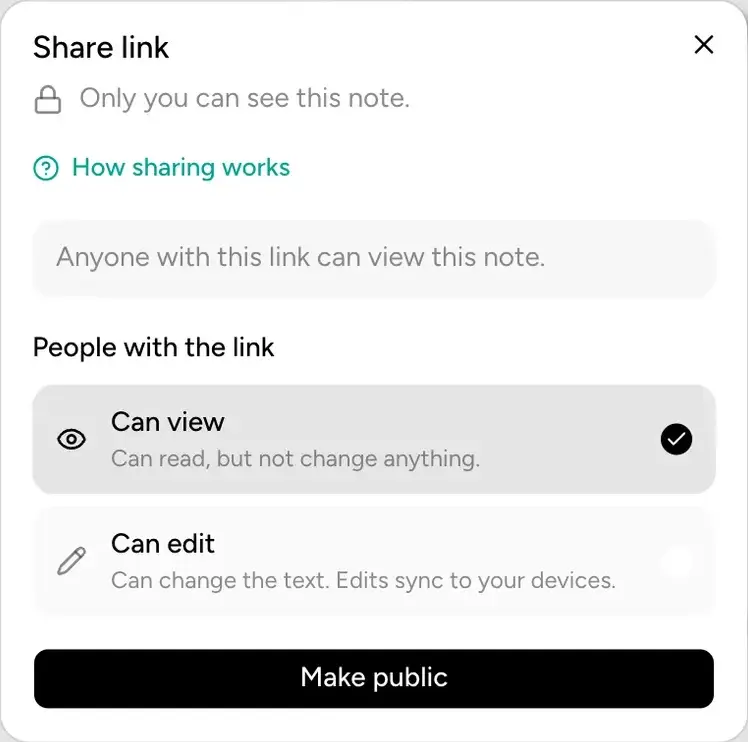
Make a note or a folder public, then choose whether people can view it or edit it. The person opening the link doesn't need an account.

  • Can view or can edit
  • Nothing is public until you make it public
The Share link dialog saying only you can see this note, with Can view and Can edit options and a Make public button
Pierre-Auguste RenoirLuncheon of the Boating Party, 1880–1881

And the details that save you a trip to the phone

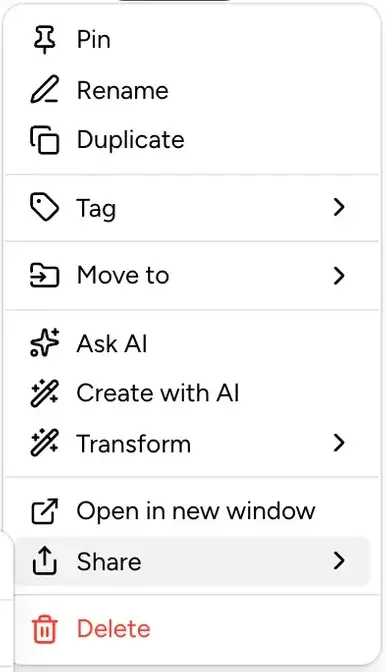
The note menu: Pin, Rename, Duplicate, Tag, Move to, Ask AI, Create with AI, Transform, Open in new window, Share and Delete
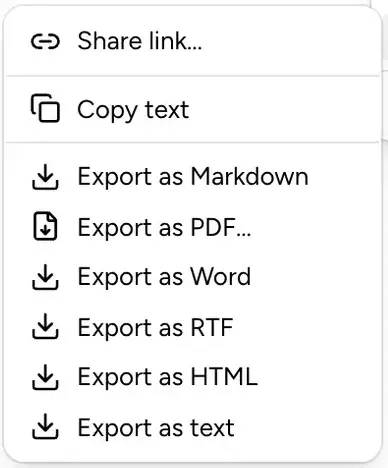
The Share submenu with Share link, Copy text and export as Markdown, PDF, Word, RTF, HTML or text
Utagawa HiroshigeSudden Shower over Shin-Ōhashi Bridge, 1857

Export anywhere

Markdown, PDF, Word, RTF, HTML or plain text, straight from the note menu.

The BrainDump editor with a Japan itinerary note and nothing else on screen
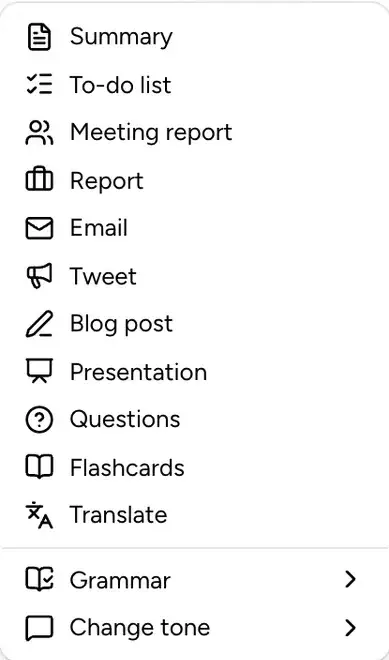
The Create with AI menu: Summary, To-do list, Meeting report, Report, Email, Tweet, Blog post, Presentation, Questions, Flashcards, Translate, Grammar and Change tone
Pieter Bruegel the ElderThe Tower of Babel, 1563

Turn a note into something else

Create a summary, to-do list, meeting report, email, flashcards or a translation from any note.

  • Light and dark themes
  • English, German, French, Italian, Hindi and Simplified Chinese
  • Changes made offline are queued and sync when you're back online
  • Back up everything as a file from Settings

Up and running in a minute

  1. Open the web app

    Go to app.getbraindump.com in any browser.

  2. Sign in

    Use your BrainDump account, or create one with your email.

  3. Find your notes

    Everything synced to your account is already there, ready to edit.

Questions about the web app

Is the web app free?

Yes, you can sign in and write for free. Free accounts sync up to 200 notes. The AI features need a Focus plan, which you subscribe to in the iPhone, iPad or Mac app, since the web app can't sell plans.

Do I need the iPhone or Mac app to use it?

No. You can create an account right on the web. If you already use BrainDump on an Apple device, sign in with the same account and your notes are there.

Do my notes sync with the apps?

Yes, once you sign in to the same BrainDump account in the app, under Settings, Account. On that device the account replaces iCloud sync, and changes then sync both ways between the web app, iPhone, iPad and Mac. If you use Sign in with Apple in the app, use it on the web too, with the same Apple ID.

Can I export my notes?

Yes. Export a note as Markdown, PDF, Word, RTF, HTML or plain text, or download a backup of everything from Settings.

What happens if I lose my connection?

Your changes are queued and sync once you're back online.

Which languages does it support?

English, German, French, Italian, Hindi and Simplified Chinese.

Open your notes anywhere.

Your brain dump is one tab away.

Sandro BotticelliPrimavera, c. 1480