
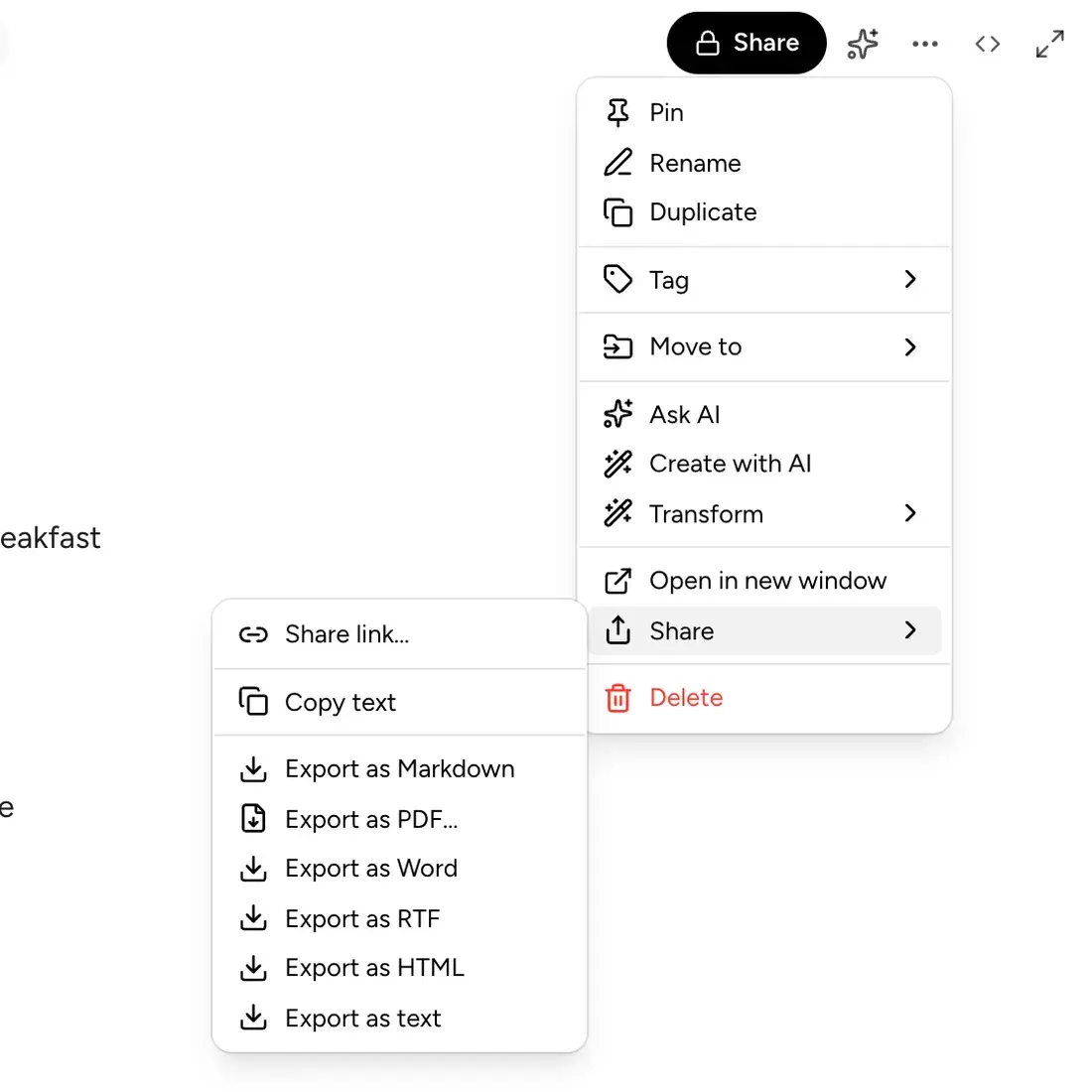
Export anywhere
Markdown, PDF, Word, RTF, HTML or plain text, straight from the note menu.
The same account and the same notes as your iPhone, iPad and Mac. Open a tab, write first, sort later.
Sign in with your BrainDump account, or create one on the web.
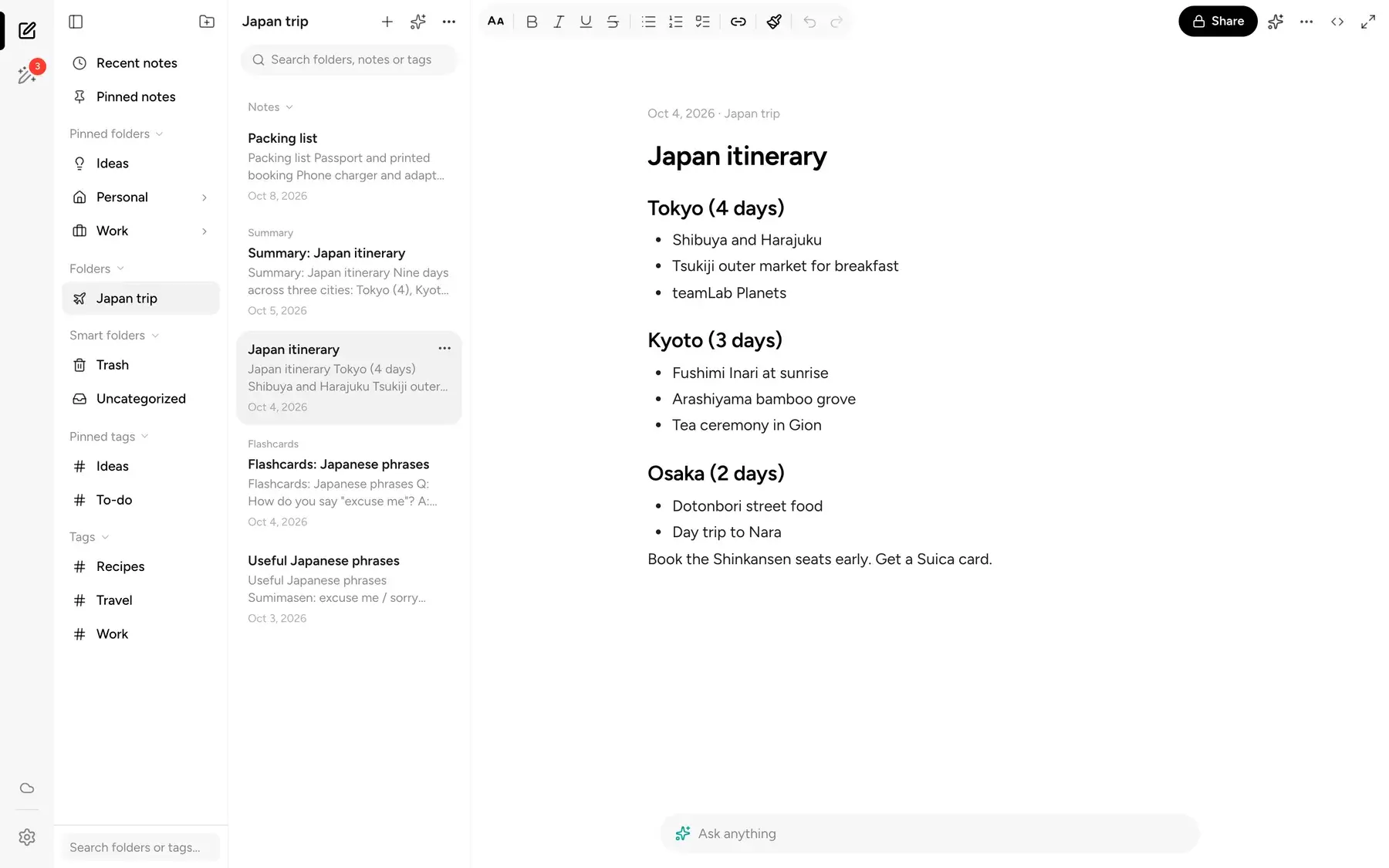
Works in any modern browser, on a laptop that isn't yours or a desk that is.
Edit on the web and it shows up on your iPhone, iPad and Mac, and the other way around.
Folders, tags, checklists, AI, sharing and export, all in the same calm layout.
Freewriting
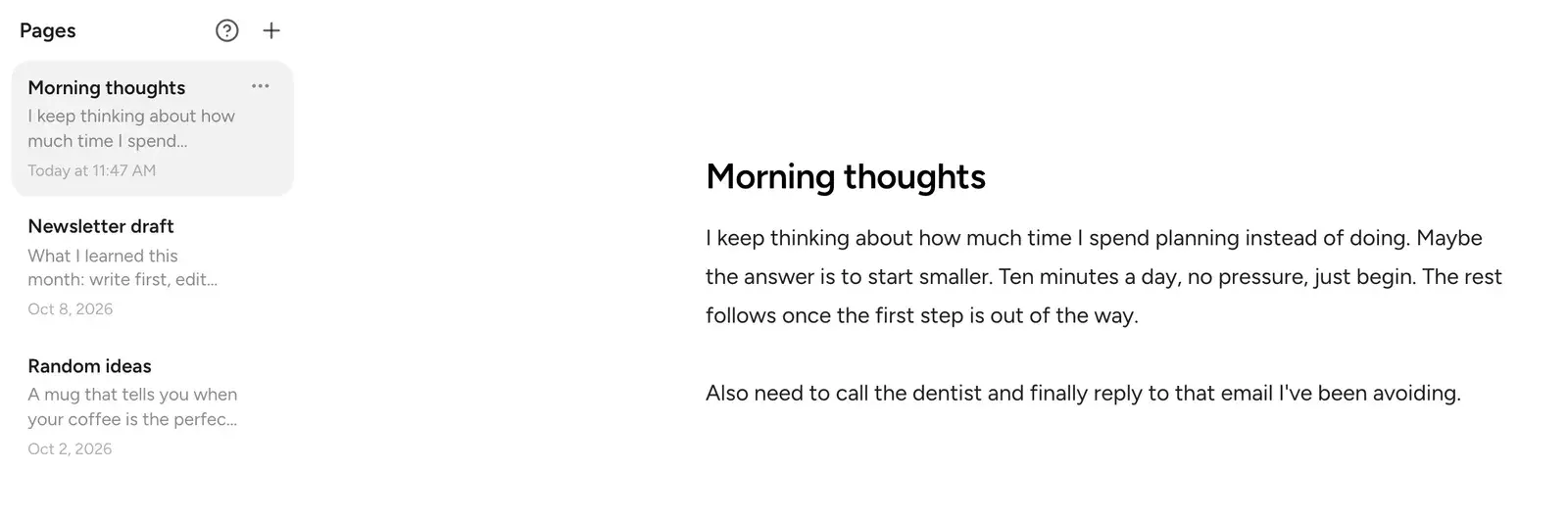
Open Freewriting and just start. No title, no folder, no decisions. When you're ready, let AI clean up a page, then file your pages into a folder in one step.
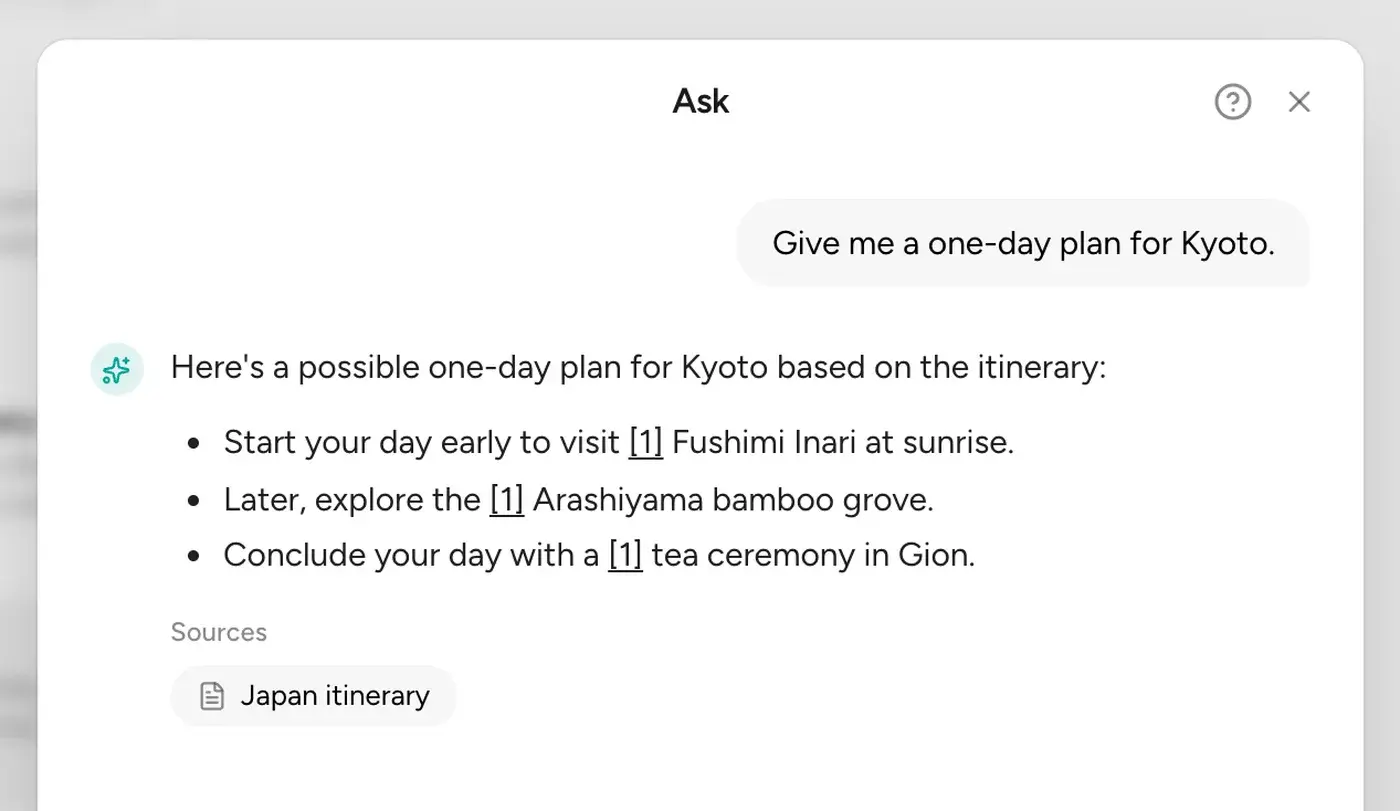
Ask your notes
Type a question and BrainDump answers from what you've written, with the source notes listed under the answer so you can check it.
Your notes are already waiting.
Folders, tags and checklists
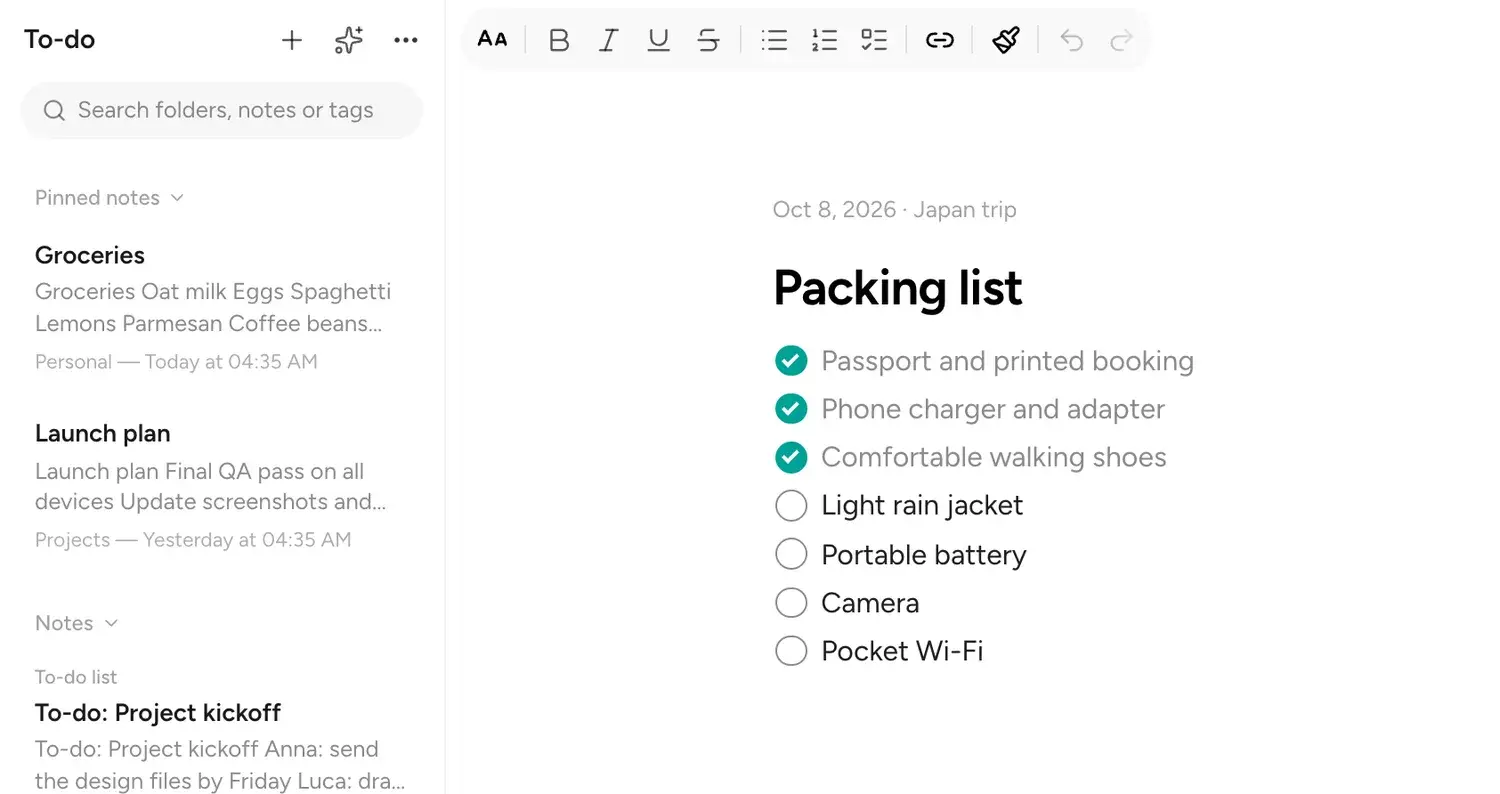
Nest folders, pin the ones you use most, add tags across folders, and turn any list into checkboxes. Skip all of it and nothing breaks.
Sharing
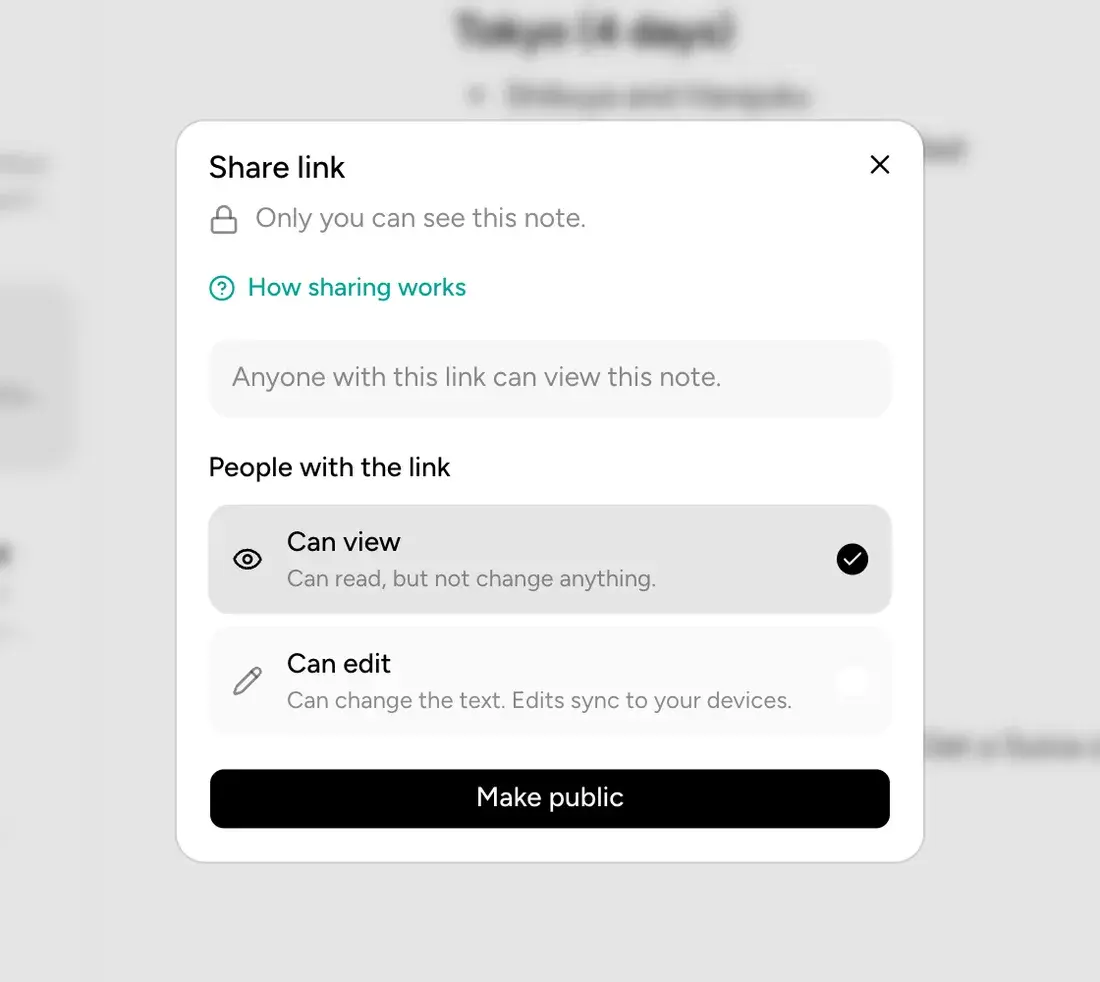
Make a note or a folder public, then choose whether people can view it or edit it. The person opening the link doesn't need an account.
Markdown, PDF, Word, RTF, HTML or plain text, straight from the note menu.
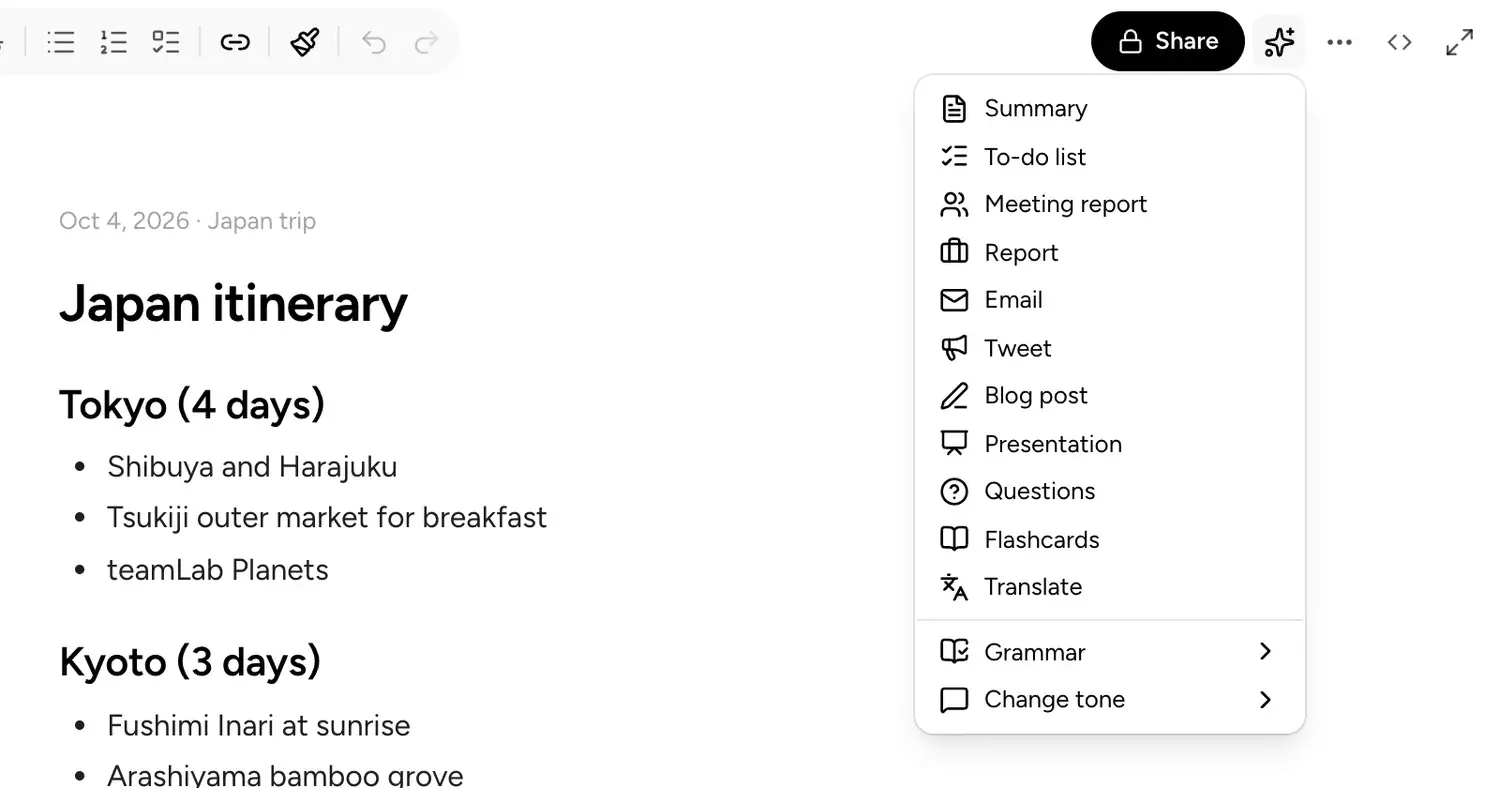
Create a summary, to-do list, meeting report, email, flashcards or a translation from any note.
Go to app.getbraindump.com in any browser.
Use your BrainDump account, or create one with your email.
Everything you've synced is already there, ready to edit.
Yes, you can sign in and write for free. Free accounts sync up to 200 notes. The AI features need a Focus plan, which you subscribe to in the iPhone, iPad or Mac app, since the web app can't sell plans.
No. You can create an account right on the web. If you already use BrainDump on an Apple device, sign in with the same account and your notes are there.
Yes. The web app, iPhone, iPad and Mac use the same BrainDump account, and changes sync both ways. Sync on the web works through your BrainDump account.
Yes. Export a note as Markdown, PDF, Word, RTF, HTML or plain text, or download a backup of everything from Settings.
Your changes are queued and sync once you're back online.
English, German, French, Italian, Hindi and Simplified Chinese.